
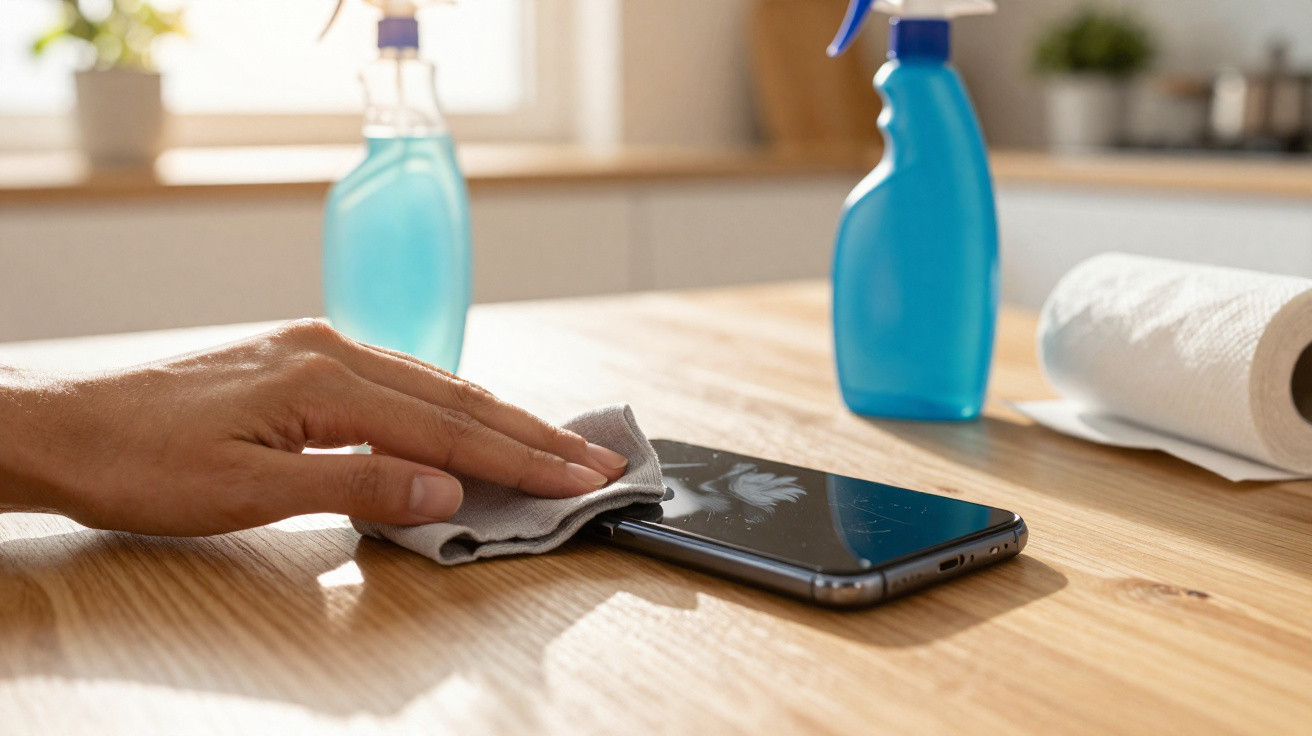
A few swipes, a quick spray and the job is done – that is how most people clean their phone screen. Yet this everyday habit can make your handset age noticeably faster. Some cleaning products attack the delicate surface, leaving it duller, more prone to scratches and, eventually, more expensive if a repair or replacement becomes necessary.
Everyday products that quietly damage your display
The biggest misconception is: “If it is suitable for the home, it cannot be bad for a phone.” That is precisely where the issue lies. Several common household products do more harm to a display than good.
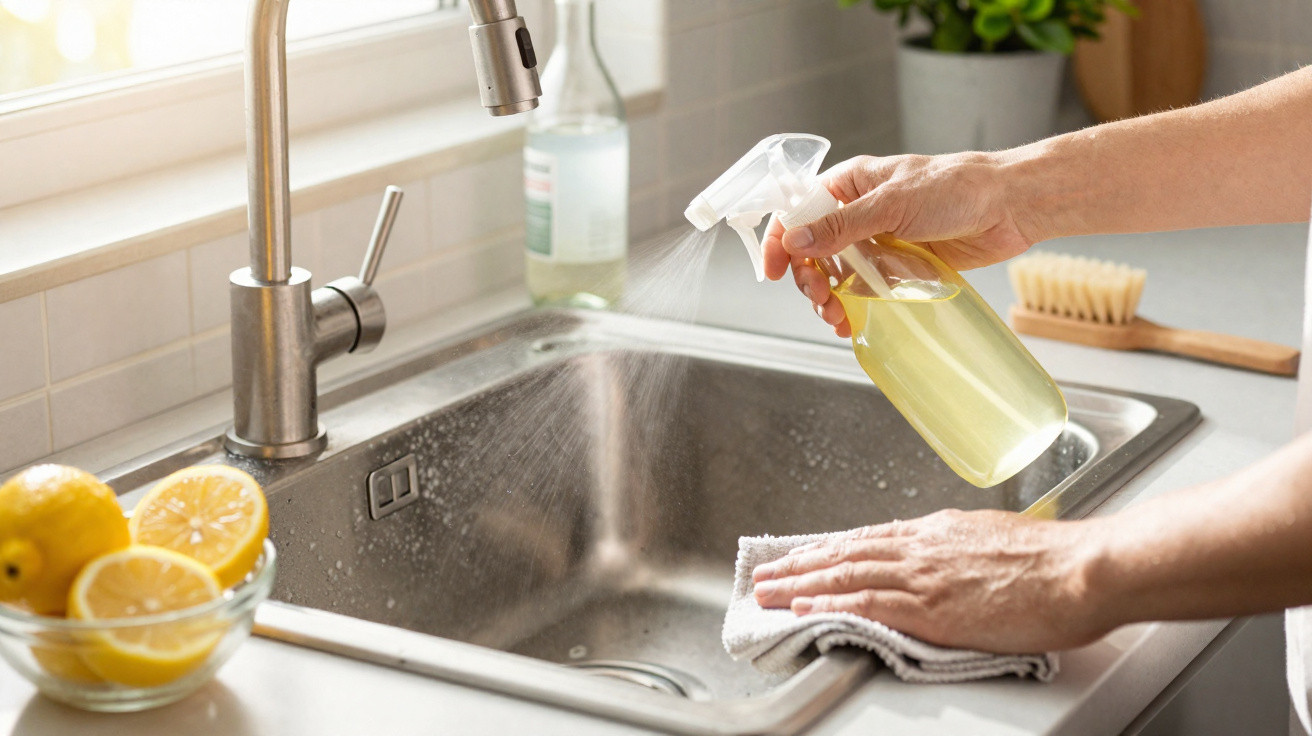
- Chlorine-based disinfectant wipes: These can damage the oil-repellent oleophobic coating and make the surface rougher.
- Glass cleaner: It often contains ammonia or other harsh additives. While these may be fine for window panes, they are too aggressive for displays.
- Household vinegar or vinegar cleaner: Its acid gradually strips protective layers and may also affect seals.
What appears to be thorough hygiene can gradually wear away the display’s invisible protective layer – a little more with every “clean” wipe.
Smartphone manufacturers repeatedly state in their care guidance that strong chemicals, abrasives and harsh cleaners do not belong on a display. Nevertheless, these are often applied to screens out of convenience or lack of awareness.
Why your display becomes dull, greasy and sensitive over time
Damage rarely appears after just one use. Instead, it builds up over weeks and months. Eventually, the display can look matt, fingerprints cling more stubbornly and reflected light becomes more distracting than before.
The reason is the so-called oleophobic coating. It helps prevent finger oil from sticking and gives the glass its pleasantly smooth feel. Aggressive cleaning products break down this fine layer:
- The surface may feel rougher or “sticky”.
- Fingerprints become harder to wipe away.
- Reflections increase, making the display appear “milky”.
- Fine scratches are more noticeable because there is no longer anything to “smooth” them out.
There is another risk: liquids sprayed directly onto the device can get into speaker openings, microphone holes or the charging port. Even water-resistant smartphones are at risk, as their seals are not designed for chemicals.
Safe display cleaning: simple, affordable and professionally recommended
The good news is that you do not need costly specialist products for a clean display. The easiest and safest approach uses items you will usually already have at home, or can buy for only a few pounds.
Everyday cleaning with a microfibre cloth
For routine care, a dry or slightly damp microfibre cloth is often all you need. It removes fingerprints, dust and light dirt without damaging the surface coating.
- Switch off the smartphone and disconnect it from power.
- Wipe it using a clean microfibre cloth in circular movements.
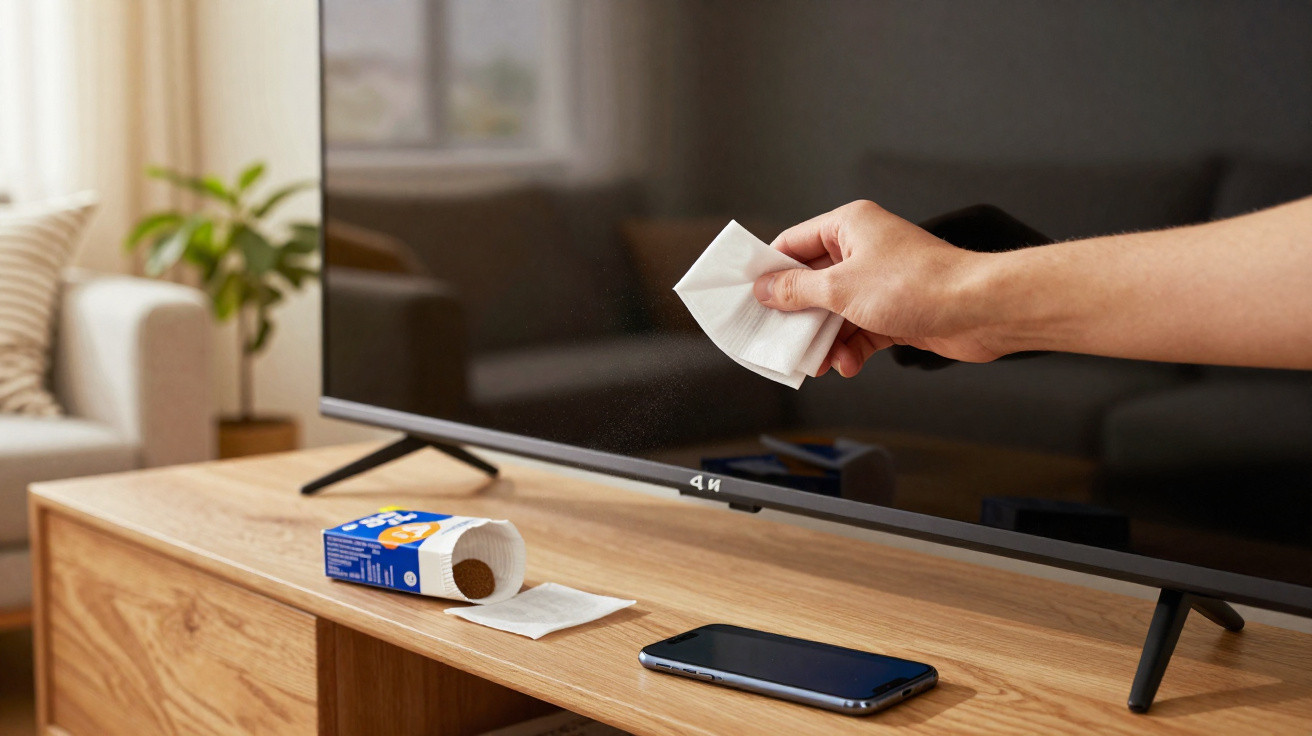
- Do not use kitchen roll, tissues or clothing – their fibres can cause fine scratches.
For deeper cleaning: the 50/50 mixture
If the display is more heavily soiled, for example with make-up, grease or sticky residue, a straightforward DIY cleaner can help. Many manufacturers recommend similar solutions:
- 50% distilled water
- 50% isopropyl alcohol (70%)
Use it as follows:
- Use a small spray bottle or container and prepare the mixture at a 1:1 ratio.
- Switch off the device.
- Never spray the mixture directly onto the phone.
- Instead, lightly (!) dampen the microfibre cloth with the solution.
- Gently wipe the display without pressing hard.
- Finally, polish it with the dry side of the cloth.
The key is not a “powerful” cleaning product, but the right combination of a mild cleaner, a microfibre cloth and careful technique.
Cleaning mistakes you should stop making for good
Several habits are widespread, but they are best left behind straight away.
- Spraying directly onto the display: This increases the chance of liquid running into the device.
- Using kitchen roll or paper tissues: Their wood fibres can cause micro-scratches.
- Nail varnish remover, methylated spirits or window cleaner: These are far too harsh for coatings and seals.
- Scrubbing firmly to remove crumbs: Dust particles act like sandpaper when you press too hard.
- Cleaning while the device is switched on: This raises the risk of accidental inputs and short circuits if too much moisture is involved.
If you already have your phone in your hand every day, simply make screen care part of your routine: in most cases, a quick wipe with a microfibre cloth is entirely sufficient.
How to protect your display for the long term
Cleaning is only one aspect. Protecting your smartphone’s surface makes ongoing care easier and significantly lowers the risk of damage.
Tempered glass and screen protectors: worthwhile extra protection
A good tempered-glass protector or high-quality screen protector film takes scratches and mild chemical exposure before the actual display is affected. Even if the protective layer looks worn after one or two years, it can be replaced easily – leaving the screen underneath in better condition.
What matters:
- Choose the correct size for your model so that sensors and the camera are not covered.
- Apply it in as dust-free an environment as possible, otherwise bubbles can form.
- Do not cut costs in the wrong place – extremely cheap films often scratch more quickly.
Regular gentle care instead of an occasional “chemical offensive”
The more consistently you clean gently, the less intensive your later cleaning needs to be. For most users, quickly wiping the display with a microfibre cloth once a day is enough. You only need the alcohol-and-water mix when the device is visibly dirty, such as after travelling, exercising or spending a lot of time outdoors.
Why use isopropyl alcohol and distilled water?
Many people see the term “isopropyl alcohol” and immediately think of harsh chemicals. In reality, it is an alcohol that evaporates quickly and, when diluted correctly, is considered relatively gentle on electronics. Electronics manufacturers and repair workshops use it to clean contacts and surfaces because it leaves hardly any residue.
Distilled water is used because ordinary tap water contains minerals. Once dry, these can leave streaks or marks. Distilled water contains none of these substances and dries cleanly without leaving edges or residue.
Hygiene, viruses and bacteria: how clean does a smartphone need to be?
Smartphones are among the objects we touch most often. As a result, many people reach for strong disinfectant wipes. The desire for hygiene is understandable, but the display can suffer as a result.
The 50/50 mixture of isopropyl alcohol and distilled water offers a sensible compromise: it removes dirt and reduces germs without placing as much strain on the device as some disinfectant wipes from the chemist. Anyone particularly concerned about hygiene can also wash their hands more frequently – this automatically reduces the number of germs transferred to the display.
Ultimately, if you avoid harsh cleaners and unsuitable cloths, do not “bathe” your phone, and instead care for it carefully with a microfibre cloth and a mild mixture, your display will remain clear, smooth and fit for everyday use for much longer – without expensive specialist products or an unpleasant surprise when the screen suddenly starts to look dull.
Comments
No comments yet. Be the first to comment!
Leave a Comment